¶ Dashboard
The main dashboard provides an oversight of all the key metrics across each section of the manager, including flags and shortcuts for any items that need attention.
¶ Overview
The default landing page when entering your convention is a grid-like dashboard that is structured and color coded to match the main menu.
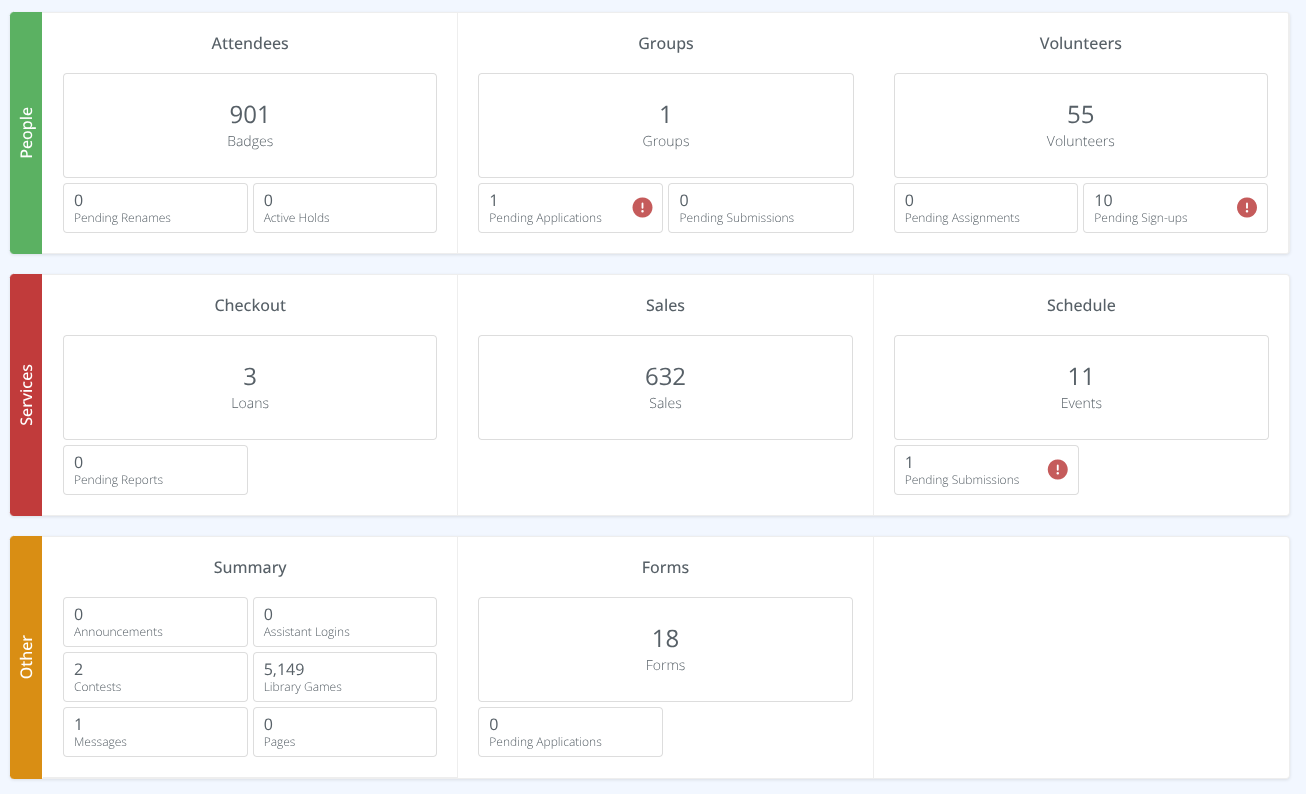
The items shown reflect the permissions you have as a user - so sections like billing will be hidden if you do not have the proper access.
Any pending content awaiting review, such as badge renames or volunteer applications, will be flagged with a red exclamation and can be clicked to jump directly to that screen.
The grid is broken down into four sections:
1. People
2. Services
3. Other
4. Admin
¶ 1. People
This provides the breakdown of the Attendees, Groups, and Volunteers.
¶ Attendees
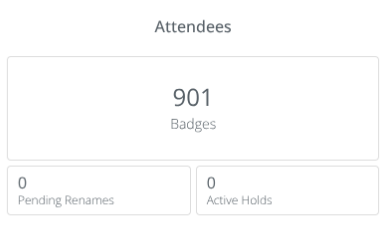
A summary of the total number of badges for the convention as well as:
¶ Groups
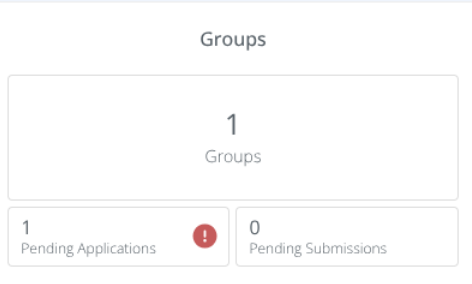
A summary of the total number of groups at the convention as well as:
¶ Volunteers
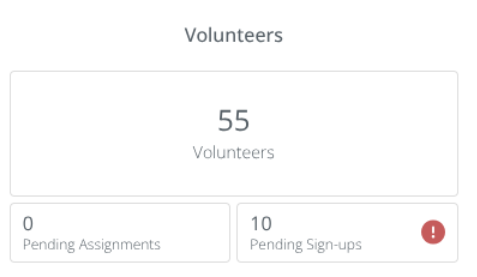
A summary of the total number of voluntters at the convention as well as:
¶ 2. Services
A breakdown of the Checkout, Sales, and Schedule
¶ Checkout
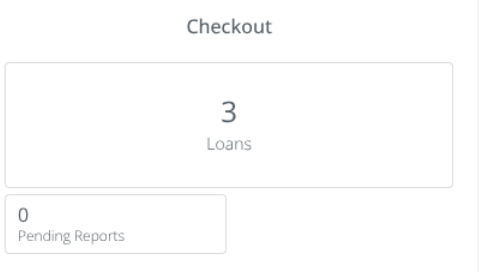
The number of active loans as well as:
¶ Sales
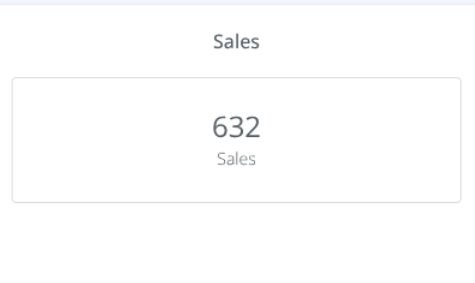
The number of Sales completed at the convention.
¶ Schedule
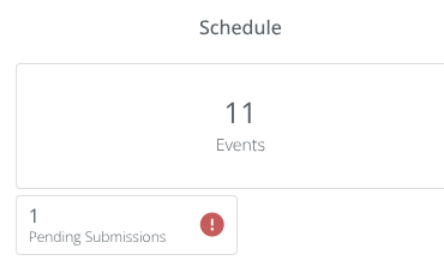
The number of events as well as:
¶ 3. Other
A breakdown of the Summary and Forms
¶ Summary
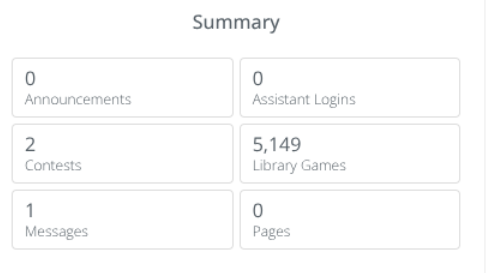
The number of:
¶ Forms
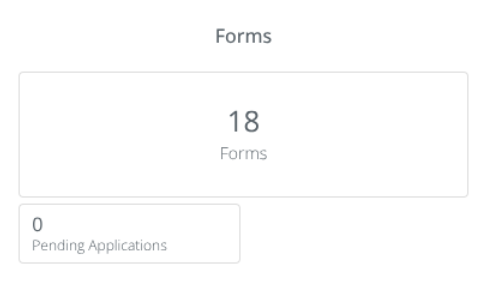
The number of forms as well as:
¶ 4. Admin
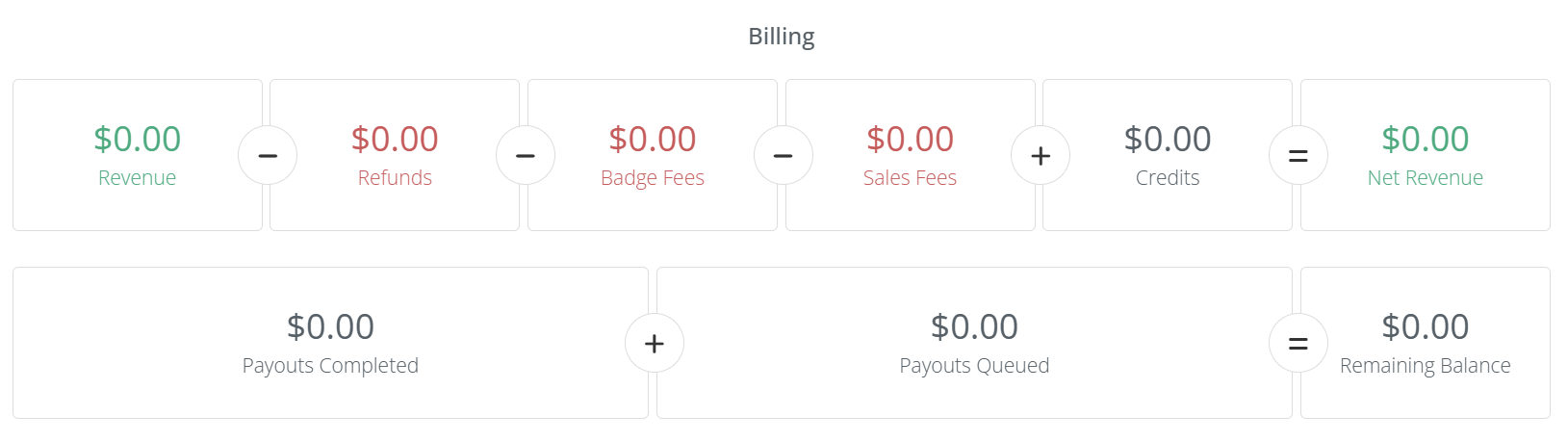
The breakdown of billing including income and expenses for the convention as well as payouts.
¶ Release Notes Links
https://cardboardevents.featurebase.app/changelog/convention-dashboard