¶ Holds
¶ Overview
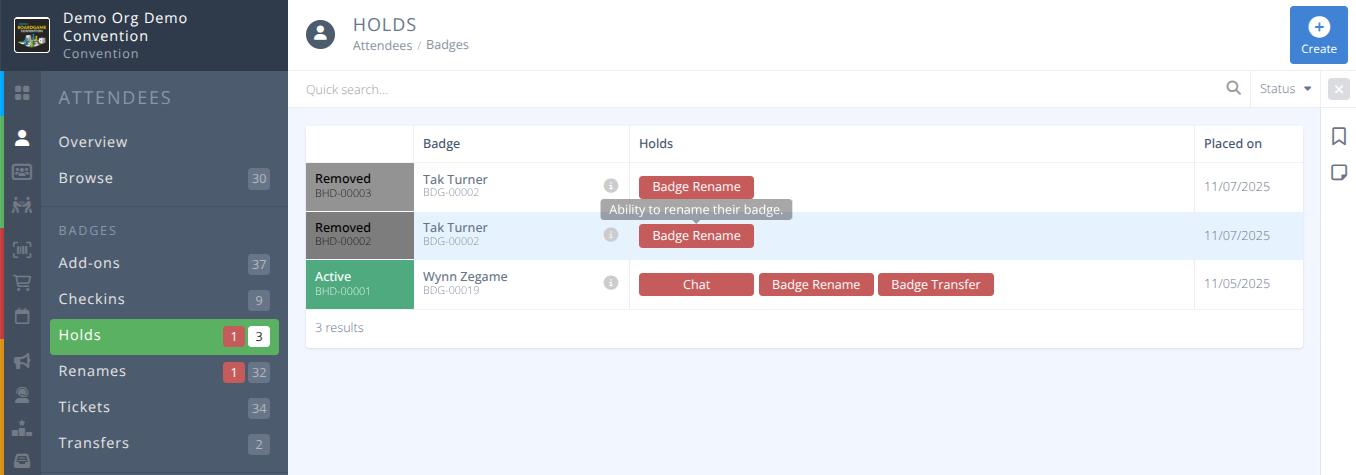
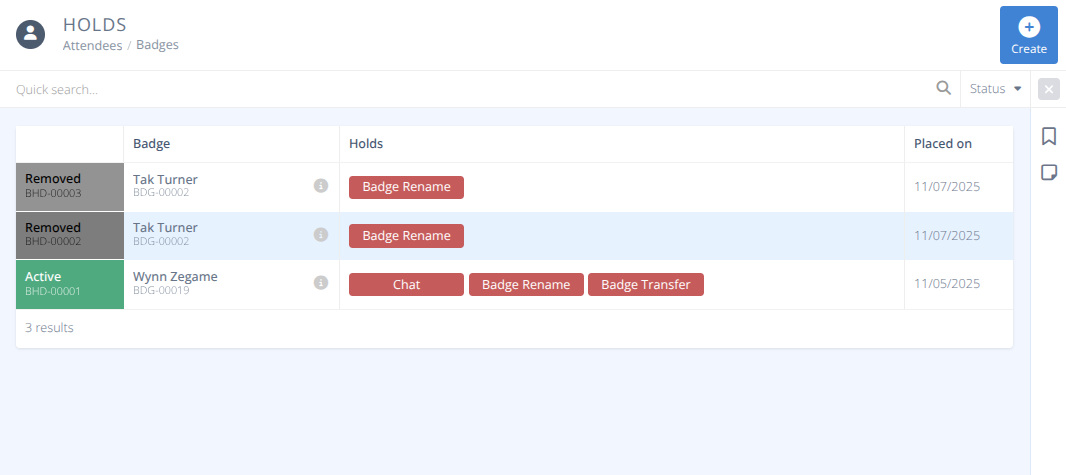
View and place administrative holds on badges preventing them from taking specific actions in the application. The quick search allows you to search badge names or ids to filter the current holds. Additional filters can be set to show only Active or Removed holds. Click the to remove any applied filters.
¶ Common Procedures
¶ Fields
-

Badge -
Reason- Optional internal text to explain why a hold is in place. This is only visible to administrators. -
Notify UserMessage - If notify user is set to Yes an optional message that will be sent to the user regarding the hold placed.
-
Holds- The type of hold to place on the badge, one or more of:-
Badge Rename- Ability to rename thier badge. -
Badge Transfer- Ability to transfer thier badge. -
Checkout Loan- Ability to checkout games from the library. -
Store Purchase- Ability to purchase from the store. -
Store Refund- Ability to refund purchased items. -
Event Participation- Ability to take a seat at scheduled events. -
Event Submission- Ability to submit new events. -
Chat- Ability to post messages in event, lobby, and contest areas.
¶ Procedures
¶ Create a Hold on a Badge
- From the menu select the submenu under the Badges section.
- Click the button from the actions area of the screen.

- Search for the Badge to apply the hold to using the name or badge number of the holder.
- Enter an optional Reason for the hold. This is only visible to admins.
- Select if the user should be notified of the hold via email.
- Select from the list of holds the capabilities you would like to restrict the attendee from performing.
- Click the button in the actions area of the screen.
- The appropriate holds will be added to the attendee and if notification the attendee will receive an email.
¶ Attendee Experience:
- Sample Hold Email:
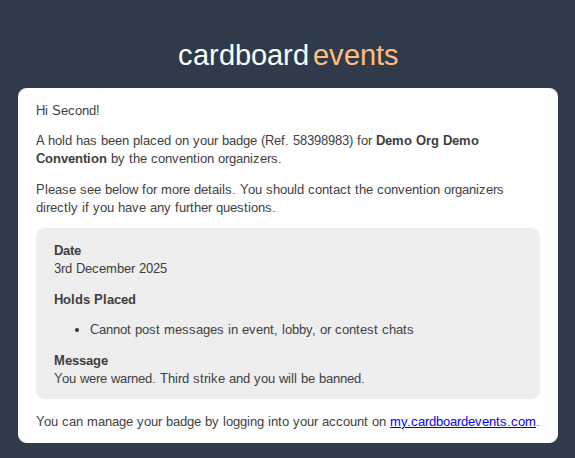
- Warning when trying to access a held area:
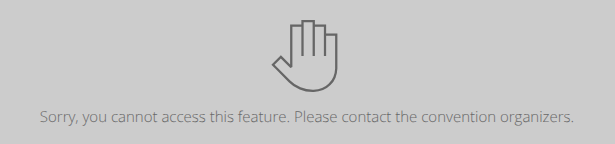
- A banner will be added to the detailed view of an attendee badge

¶ Remove A Hold on a Badge
- From the menu select the submenu under the Badges section.
- Locate the badge you want to remove the hold from using the Quick search and status filtering and click on the row of the badge.
- Click in the actions area.
- Select the notification level you wish either to Notify user or Don't notify user.
- If you have chosen to Notify the user enter the optional message you would like to include in the notification email.
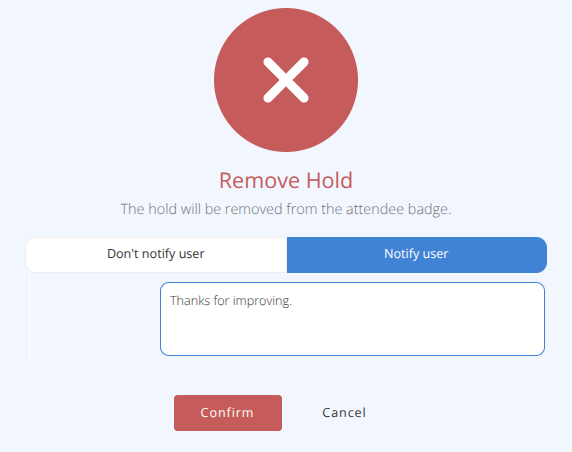
Warning: Removing a hold removes all holds set on a badge, to remove only part of a hold review the
Update a Hold on a Badgeprocess below.
- Click
¶ Attendee Experience:
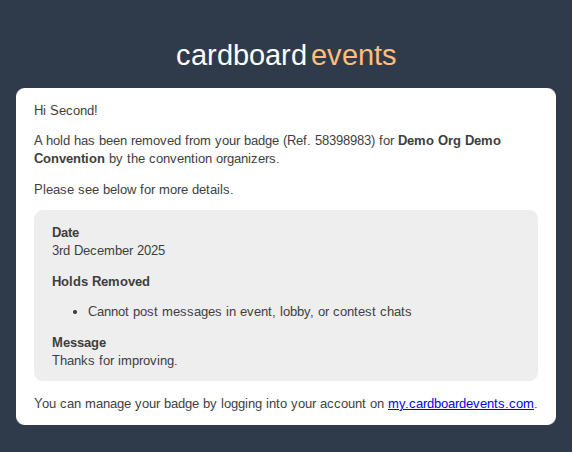
- Sample Hold Removal Email:
¶ Update a Hold on a Badge
- From the menu select the submenu under the Badges section.
- Locate the badge you want to modify the hold options on using the Quick search and status filtering and click on the row of the badge.
- Each hold type is shown with a drop box indicating if the action is or
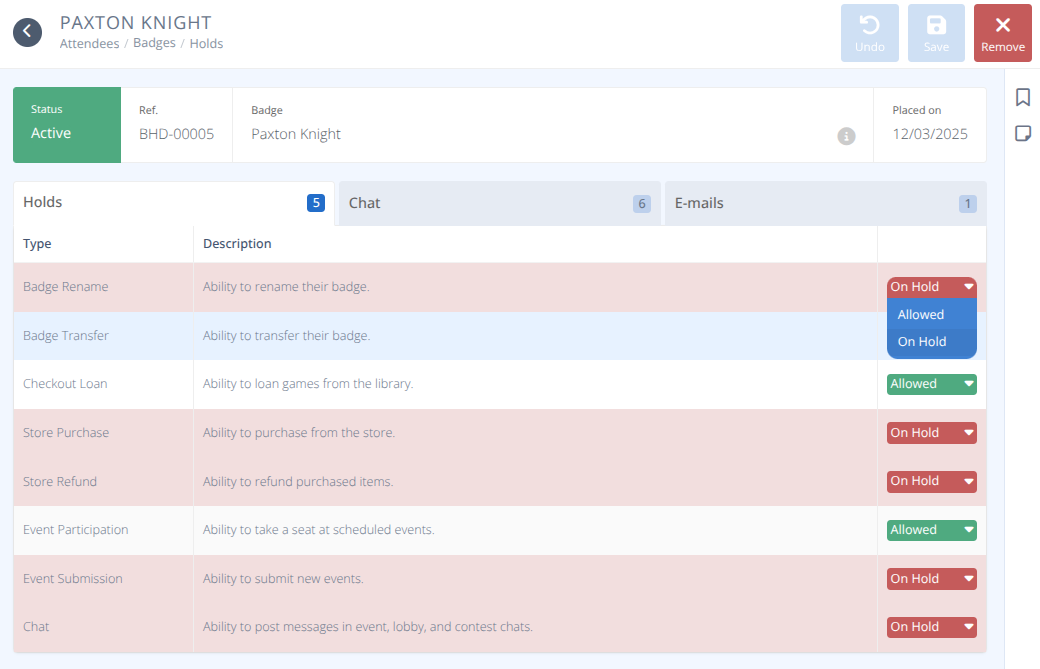
4. Click after making the required changes to the hold.
5. Admins may leave notes or messages for other admins in the Chat tab.
6. Emails sent to the attendee by the system can be viewed and resent in the E-mails tab.