¶ Team
¶ Overview
Manage your organizational and/or convention team members and adjust their permissions.

¶ Common Procedures for Teams
¶ Fields
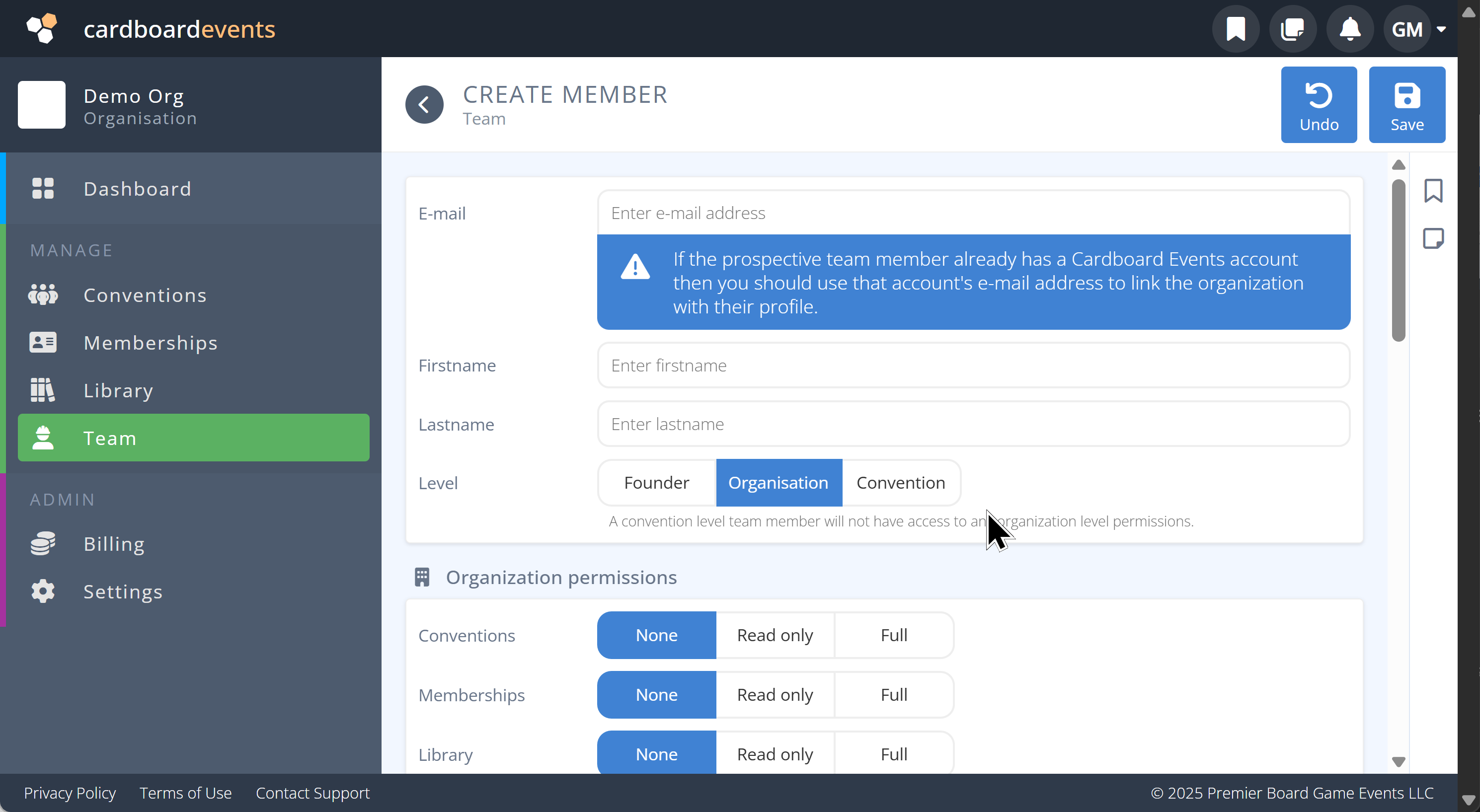
Note: Mandatory fields are denoted by a

Email- The email address of your team member
If a login does not exist one will be created.
-
First Name- The first name of your team member -
Last Name- The last name of your team member -
Level- Select one of Founder, Organization, ConventionFounder- Provides full permissions to all levels of the organization and conventions.Organization- Provides access to the organization and it's convention and stores levels with the selected permissions.Programs- Provides access to all conventions/stores connected to this organization with the selected permissions, but no access to the organization level.
¶ Permission Levels
All Permissions provided can be broken down into three Levels:
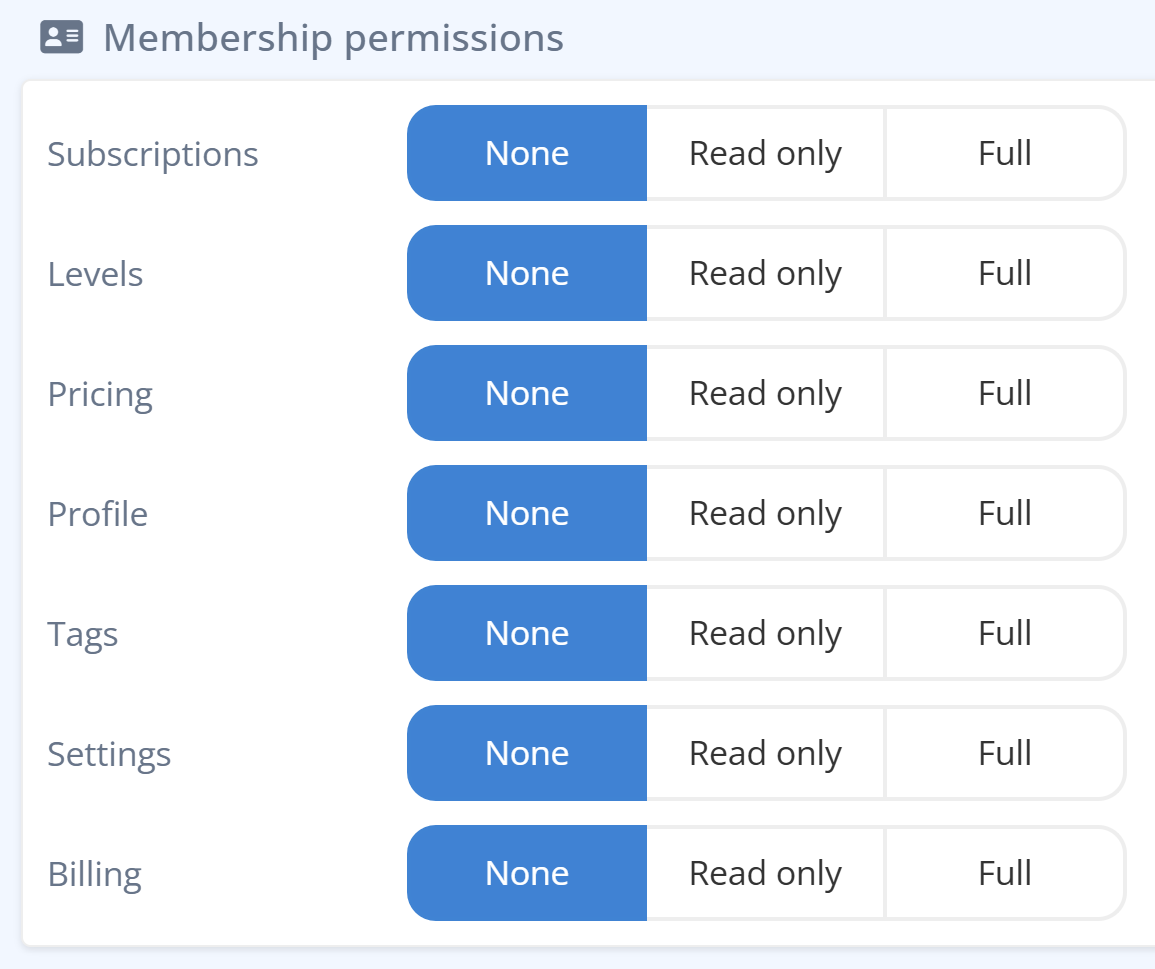
None- No manage access is provided to this areaRead-Only- The data contained is this area can be read, but no changes can be made.Full- Full access to the area is granted
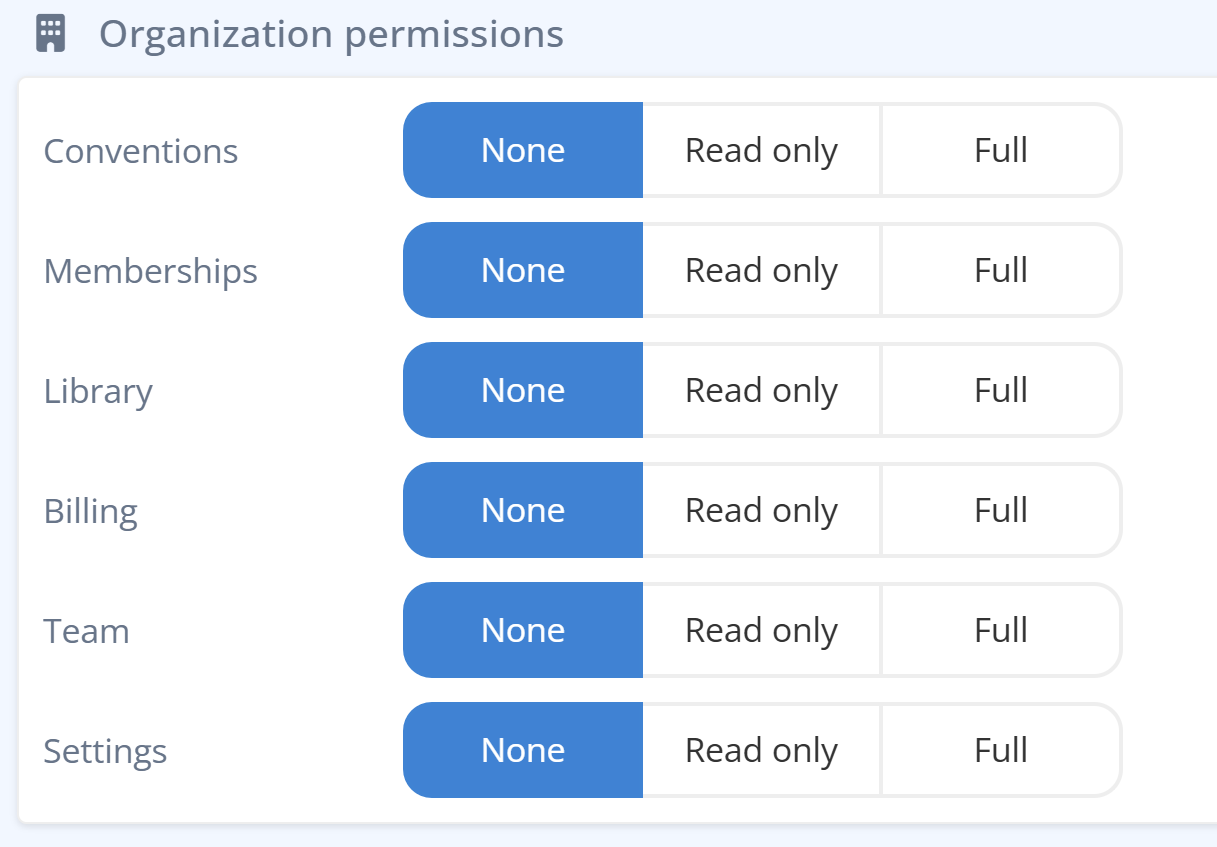
Conventions- Access to the Conventions at the organization level.Stores- Access to the Stores at the Organization level.Library- Access to the Library at the organization level.Billing- Access to billing, payments, and audits.Team- Access to team members and permissions.Settings- Access to organizational settings like logo and location.
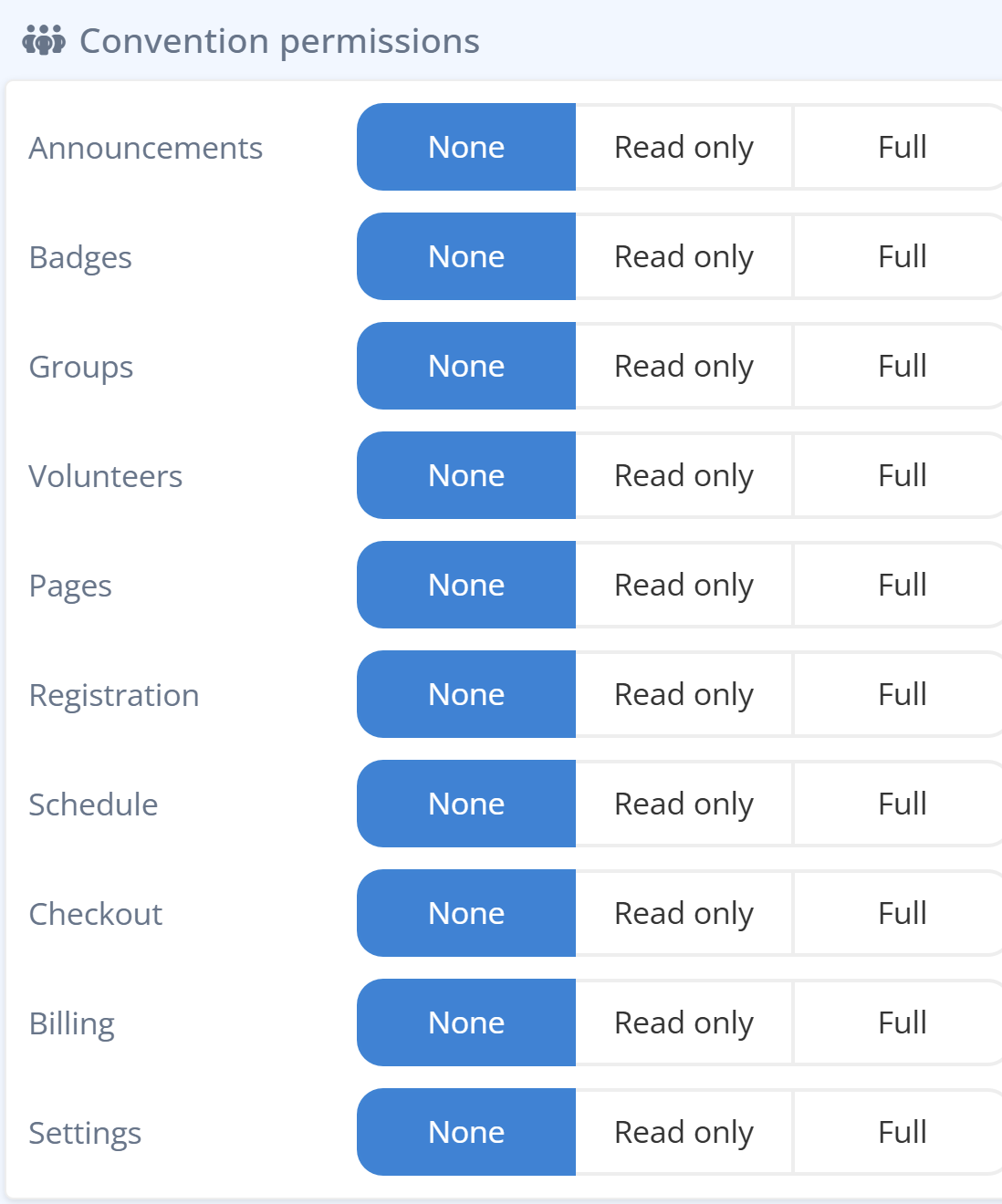
As Conventions have a lot of components and to ease readability, please select from the tabs below to view each section.
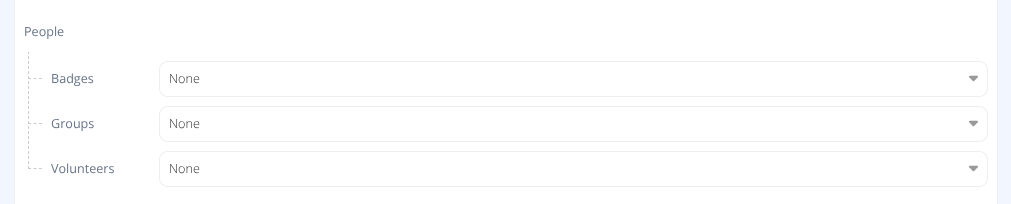
Badges- Access to the Attendees area.Groups- Access to the Groups area.Volunteers- Access to the Volunteers area including roles and assignments.

Checkout- Access to Library Checkouts area.Sales- Access to the Sales area.Schedule- Access to the Schedule area.
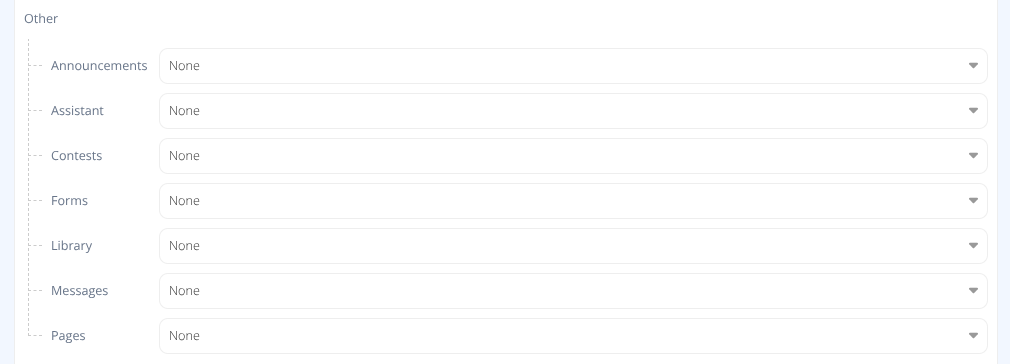
Announcements- Access to the Announcements area.Assistant- Access to the Assistant area.Contests- Access to the Contests area.Forms- Access to the Forms area.Library- Access to the Library area.Messages- Access to the Messages area.Pages- Access to the Pages area.

Billing- Access to the Billing area.Settings- Access to the Settings area.
¶ Procedures
¶ Add a Team Member
- Click the button.
- Enter the Email Address of the team member.
-
Note: The field will indicate if a Cardboard Events account already exists or if one will be created.
- Enter the First Name and Last Name of your team member.
- Select their Level of permissions
- Toggle permissions for each area as needed.
- Click the button.
¶ Remove a Team Member
Either:
- Click on the row of the team member you wish to remove.
- Click
Or:
- Use the checkbox to select the rows of the team members you wish to remove.
- Click
¶ Modify a Team Member
- Click on the row of the team member you wish to modify.
- Modify the permissions required.
- Click the button.
The button is only available if a change has been made.
The button will revert to the last saved permissions for the team member.