¶ Your Itinerary
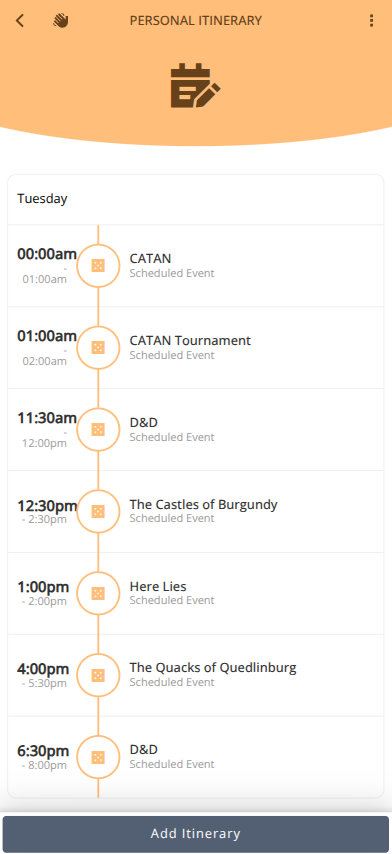
Your Itinerary is a way of seeing all of the events you are hosting or have joined, volunteer shifts, and personal entries. It is also a way of coordinating and sharing details with your connections. e.g.) Lunch at Restaurant
- Login to the Android, iOS, or web app at my.cardboardevents.com.
- Select your convention and badge.
- Click
¶ Add Personal Entries
- Click
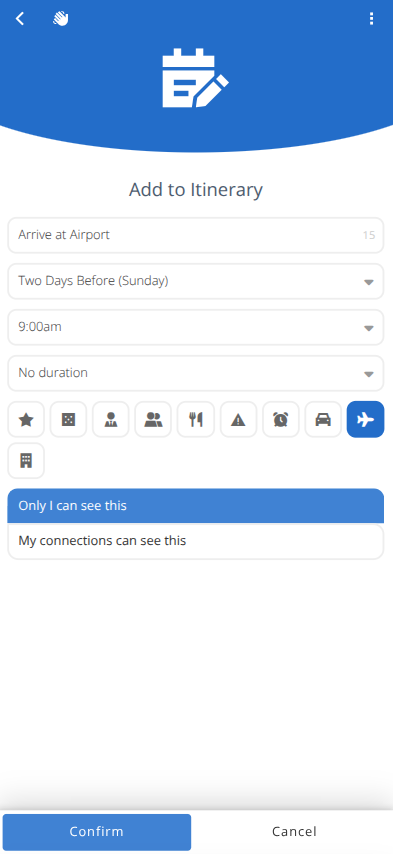
- Enter the Name, Day, Time, Duration, Icon and Visibility of the entry.
- Click
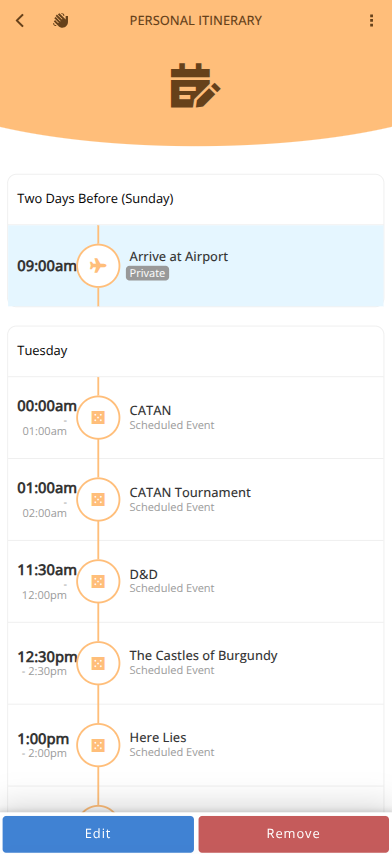
Note: Entries that are marked Only I can see this will show with a Private tag and not be visible to connections.
¶ Edit/Remove Personal Entries
Select the entry to modify and
- Click to modify the entry.
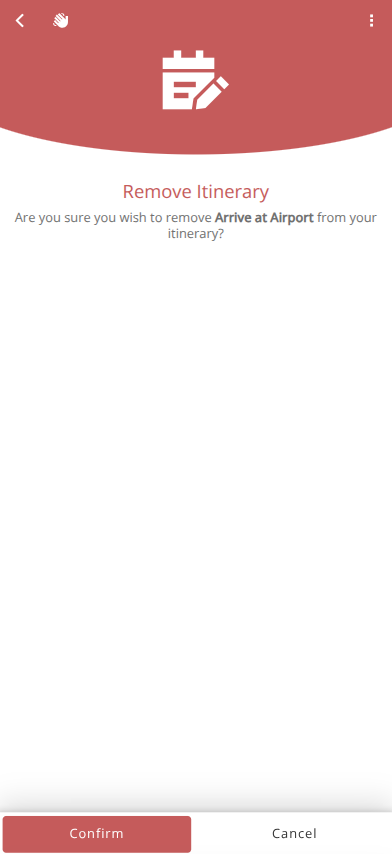
- Click to remove the entry.
¶ Events and Volunteer Slots
- Click the entry to jump to the Event or Volunteer Slot for full details.