¶ Virtual Player Wanted Signs
Finding a player for your event is built into the platform with the "Looking for Player" function.
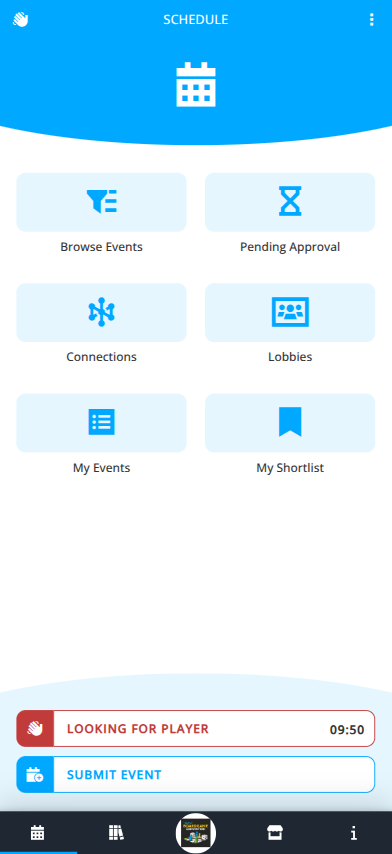
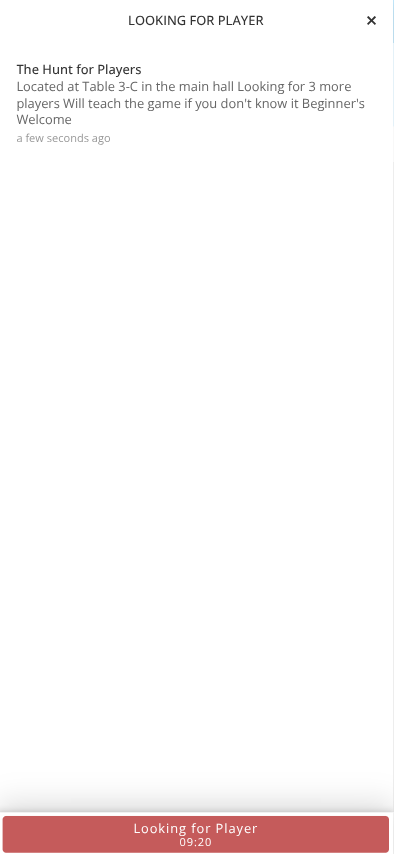
No preplanning is required to find players now. Add the information about what you are looking for and where you are playing to make your game visible to others to find on the Looking for Players screen. The sign lasts for 10 minutes unless cancelled by you before that time. These games will not appear when browsing events in the schedule.
- Login to the Android, iOS, or web app at my.cardboardevents.com.
- Select your convention and badge.
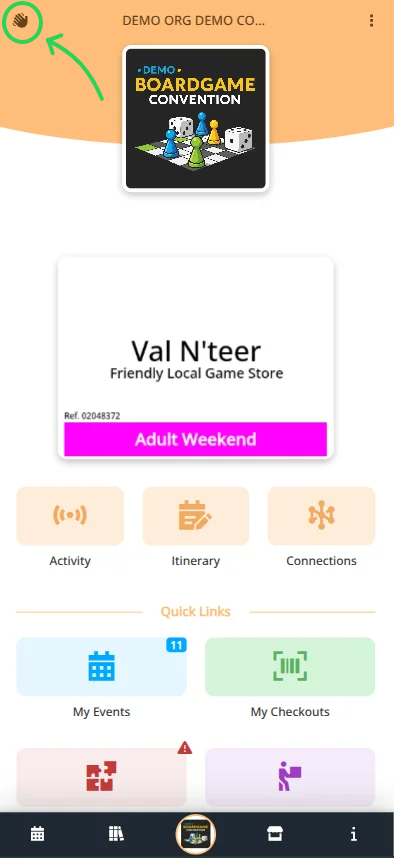
Note: The Looking for Players icon is available from any page within a convention badge view and also directly in the Schedule menu.
- Click the waving hand icon either:
a) Mobile: located in the top right corner.
b) Destop: located in the sidebar menu. - Click .
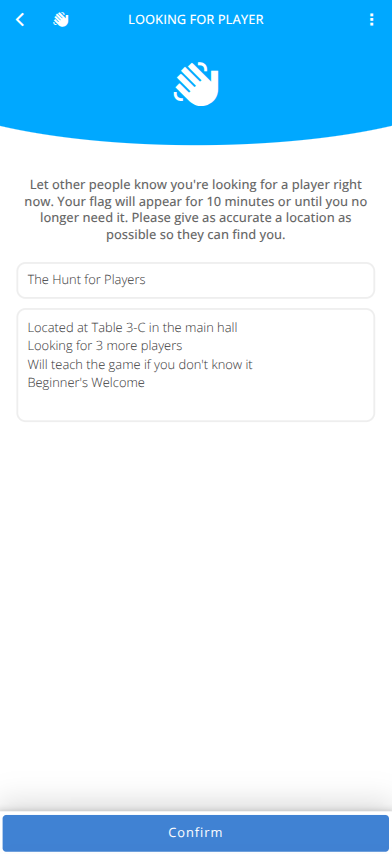
- Enter the Game you are playing
- Enter any additional information that potential players will want to know to decide if they want to join you.
eg.) Location, Directions, How many players needed, Skill Levels, Willingness to Teach, etc. - Click .
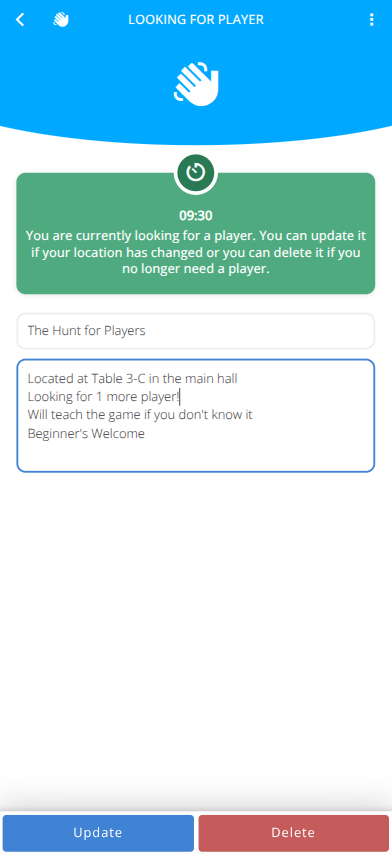
- A 10 minute timer will start and the icon will wave on attendee's devices.
- As soon as your table is full please be courteous and click on your search.