¶ Sign Up For Events
- Login to the Android, iOS, or web app at my.cardboardevents.com.
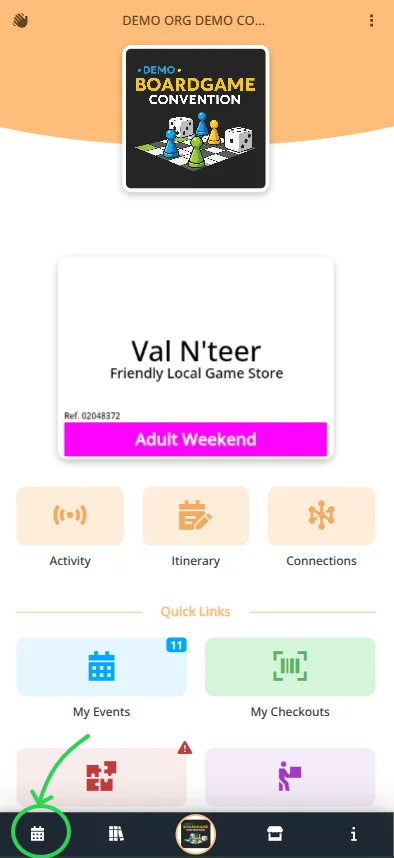
- Select your convention and badge.
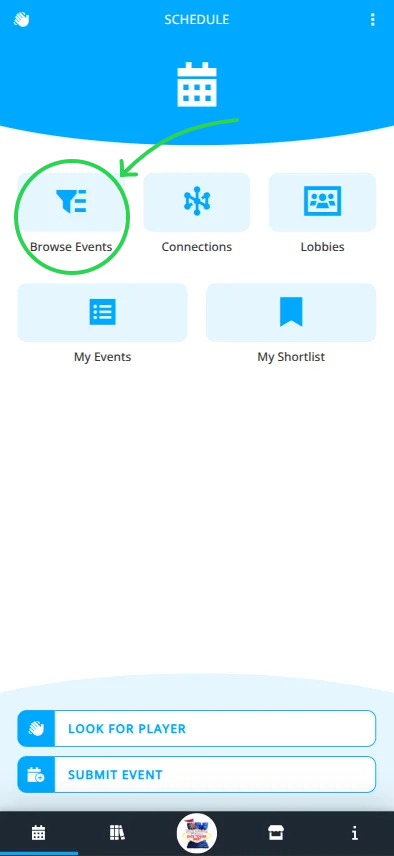
- Navigate to the Schedule menu.
- Choose your best option to display events, either:
- Browse Schedule
View all events (additional filtering is available here). - Lobbies
Some events will be grouped into one or more Lobbies based on common topics. - My Events
View the events you are hosting or signed up for.
- Browse Schedule
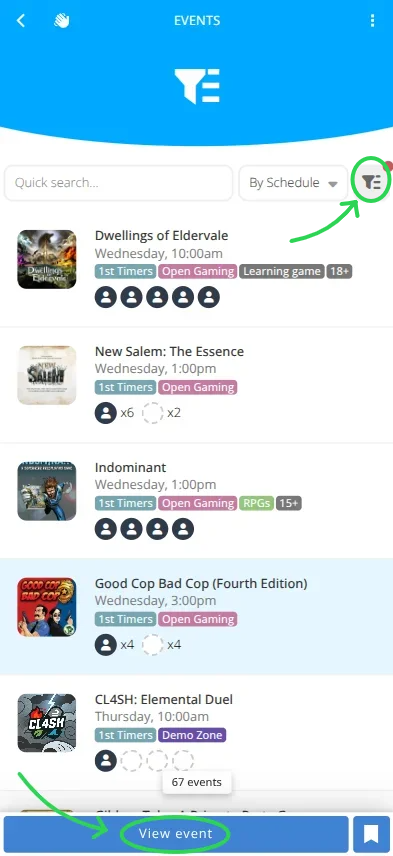
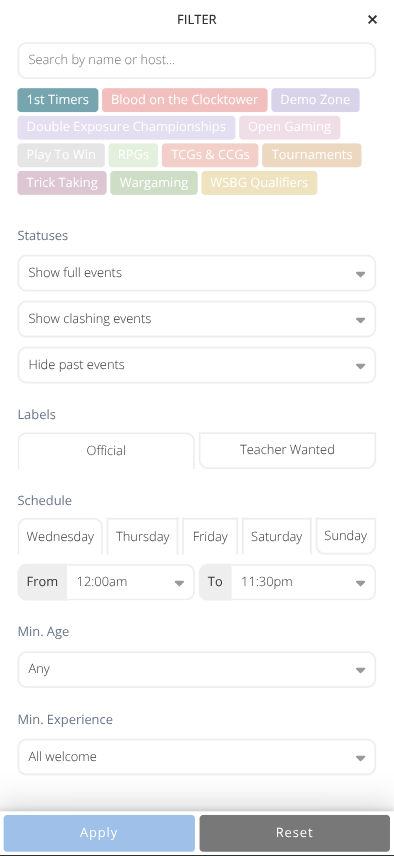
- Use the Quick Search...", Sorting Dropbox, or Filter to show the events you want to see.
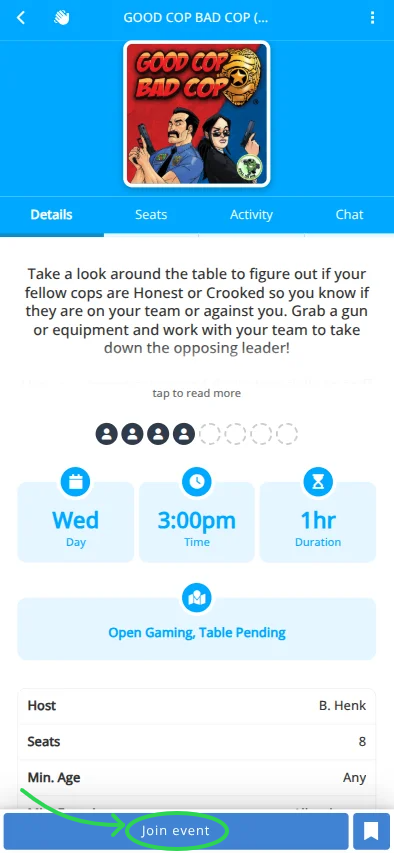
- Select the event you want to join from the list.
- Click to see the event details.
Events marked with an exclamation indicate that you are already signed up for an event that overlaps this one. - Click to take a seat at the event or click to leave your seat.
Note: If the event is ticketed you will be prompted to use a generic ticket or purchase a ticket to complete the process.