¶ Create Events
- Login to the Android, iOS, or web app at my.cardboardevents.com.
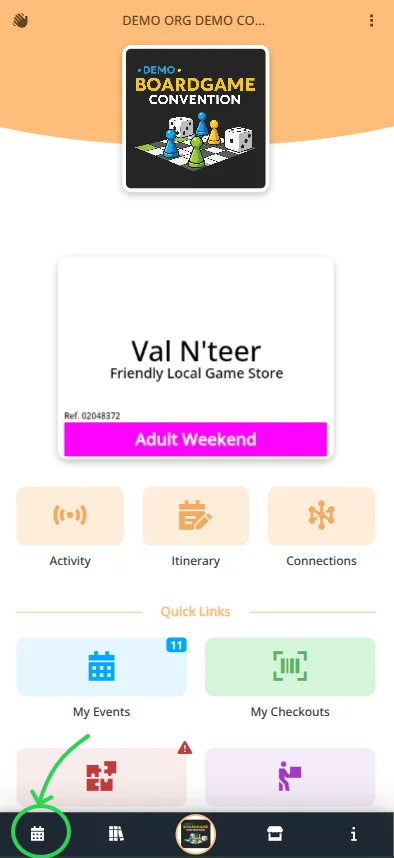
- Select your convention and badge.
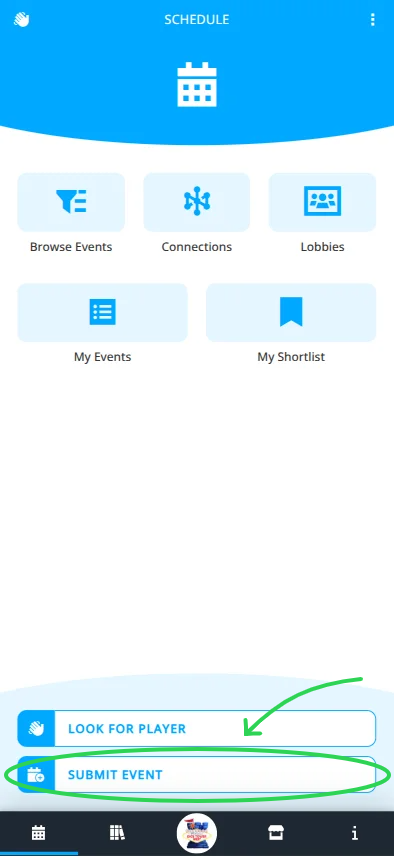
- Navigate to the Schedule menu.
- Click .
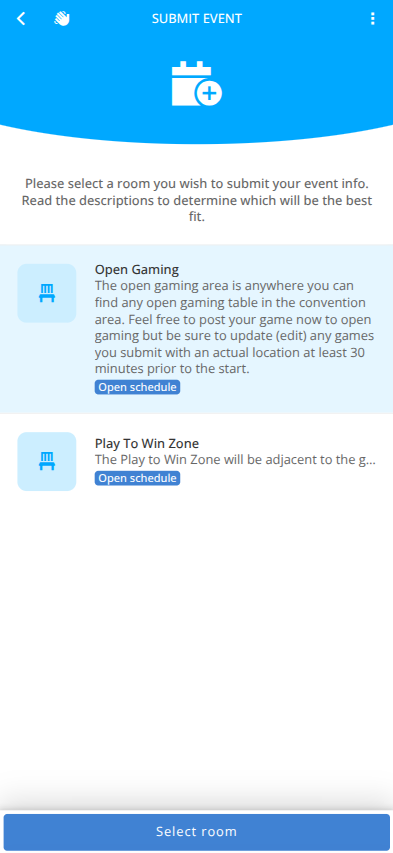
- Select the correct room for your event and click .
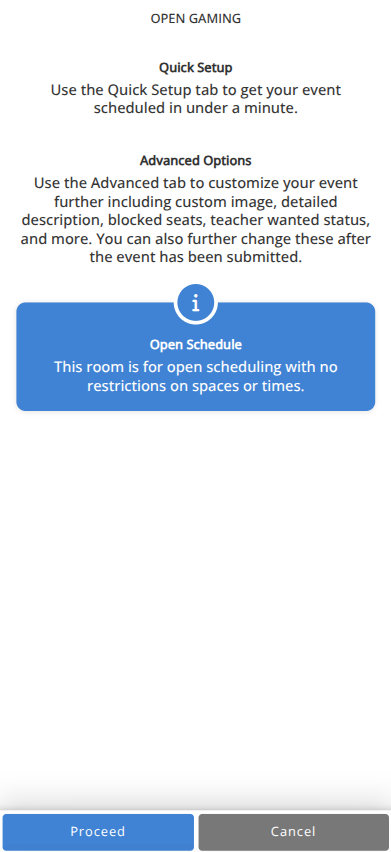
- Review the displayed details and click .
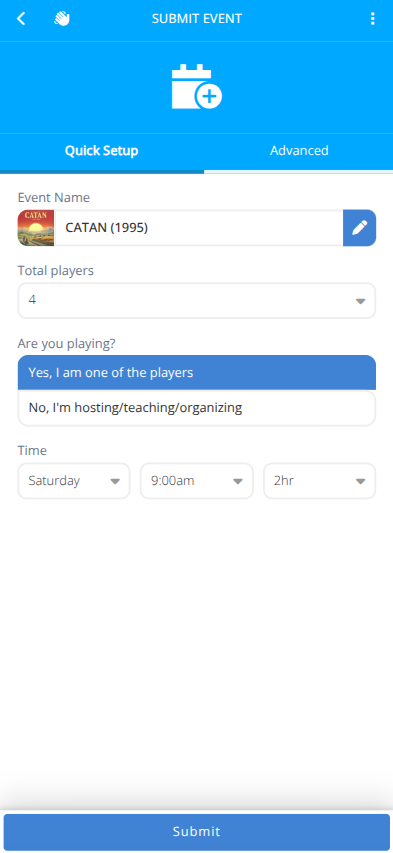
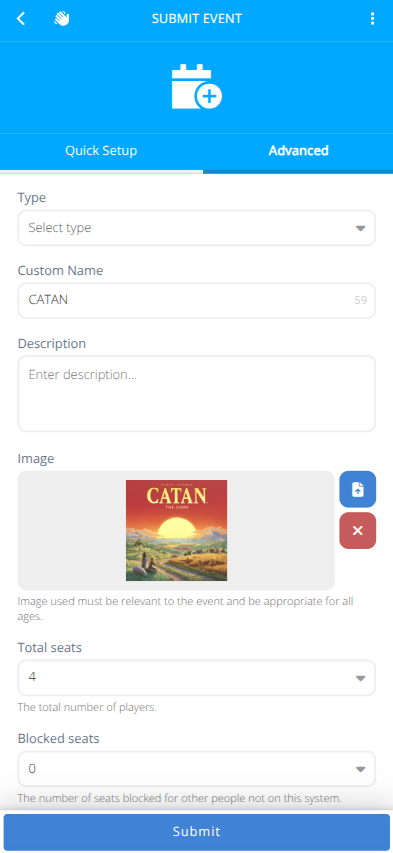
- Fill in the details of the event in the tab. Additional options are available in the tab.
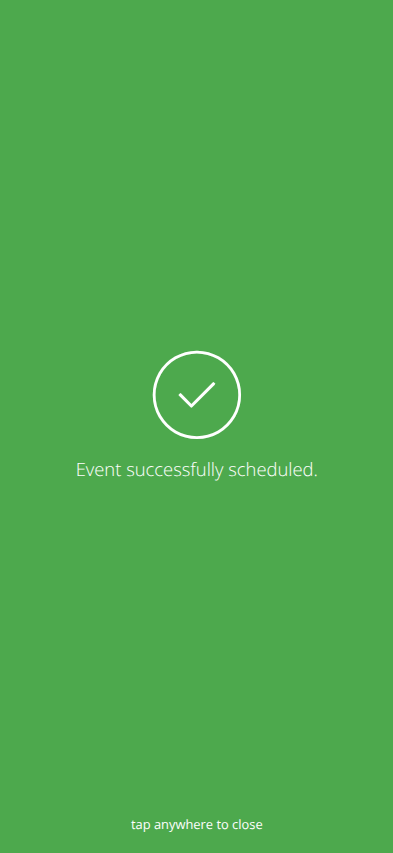
- Click . Your event will be live for signups unless the room is set to require approval for events.
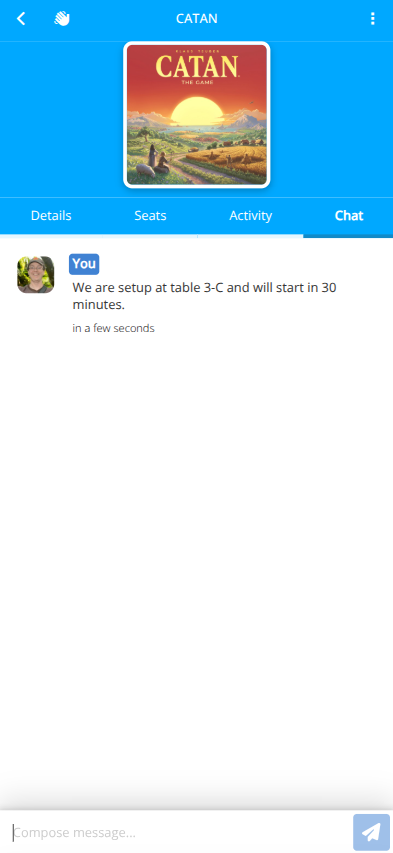
- For open gaming events or events without assigned spaces be sure to send a message in the event chat once you have found and setup at a table to let people know your location.