¶ Categories
¶ Overview
Sales Categories are a way to sell additional items in the Store on the attendee side of the platform while logged into their account.

¶ Common Procedures
¶ Fields
Note: Mandatory fields are denoted by a
Fields used to display information to attendees are denoted by an
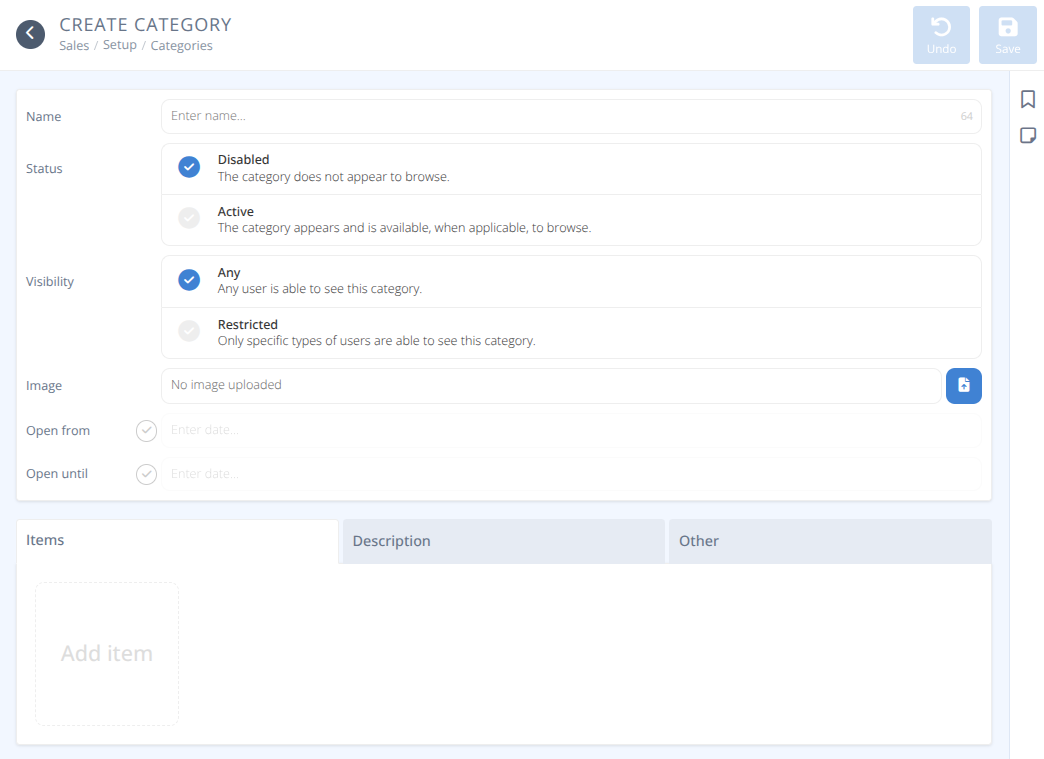

Name - The name of the category that will be shown to attendees.
-
Status- The status of this category, either:
Disabled - The category is hidden from attendees.
Active - The category appears and is available, when applicable, to browse. -
Visibility- Who can see the category, either:
Any - Any user is able to see this category.
Restricted - Only specific badges are able to see this category.Eligible Badges- A list of Badge Items that can see the category.
Image - The image to display on the store.
Recommended Size: 160 px x 160 pxOpen from- When selected, the date and time when this category is available.Open until- When selected, the date and time up to which this category is available.
This tab will allow you to add and remove items from the category as well as change the order they appear on the screen.
Sample:
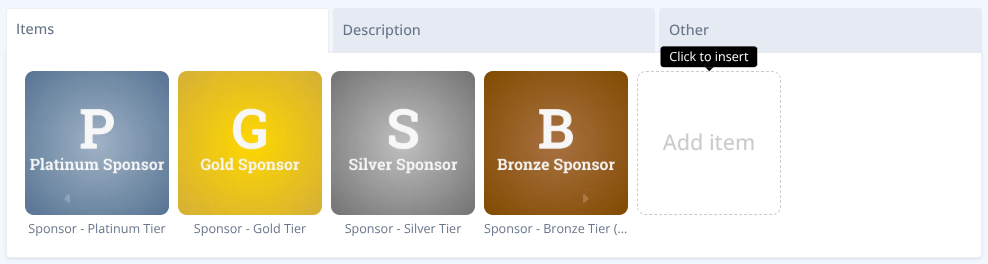
Items- A list of items that are available as part of the category

Description - The text entered here is added to the store category to help attendees with their purchases. Use the tools on the top bar to format the text as needed.

Map - An image that is available to purchasers that may provide a layout (e.g. exhibitor booths)
¶ Procedures
¶ Create A Sales Category
- From the menu of the Sales section click
- Specify the Name of the category. This will be shown on the stores page in the attendee app.
- Select the Status of the category. If you want the category to be visible to attendees set to Active.
- Select the Visibility of the category.
a. If you want the category to be available to only a defined set of badges set the visibility to Restricted and select the Eligible Badges that can see it.
e.g.) Exhibitor Add-ons (power, wifi, equipment, etc...) - Upload an optional image to display in the store.
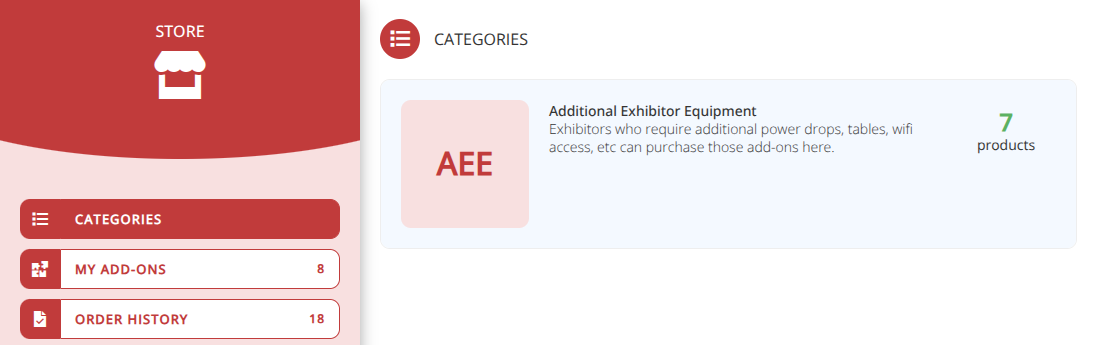
Recommended Size: 160 px x 160 px Note: If the image is left blank the first letter of the first three words will be displayed. e.g.) "Additional Exhibitor Equipment" is displayed as AEE
¶ Attendee View:


- If you wish the category to be only available during set times select and fill in the Open from and Open until fields.
- To add a description of what the category is for click the Description tab and add your description.
- To add a map that is displayed when the category is selected (e.g. exhibitor booth layout) click on the Other tab and upload a Map image.
- Add items as needed using the following Add Items procedure.
- Click .
¶ Add Items in a Sales Category
- From the menu locate the Category you want to add items to and click on the row.
- Select the Items tab and click the Add Item button.
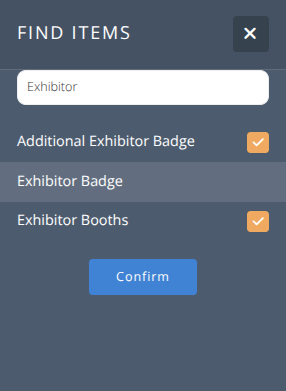
- In the Find Items side panel search for the item(s) by name or tag. You can select several items at the same time e.g.) "Exhibitor" will show you all items with a tag or name containing exhibitor.
- Click .
¶ Reorder or Remove Items in a Sales Category
Items in a sales category will by default show in the order they are added.
- To move or remove items use the buttons that show when hovering over the item.
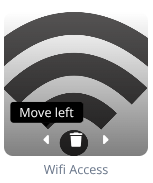
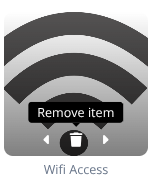

- Repeat as needed until items are in the desired order.
- Click .