¶ Settings
¶ Overview
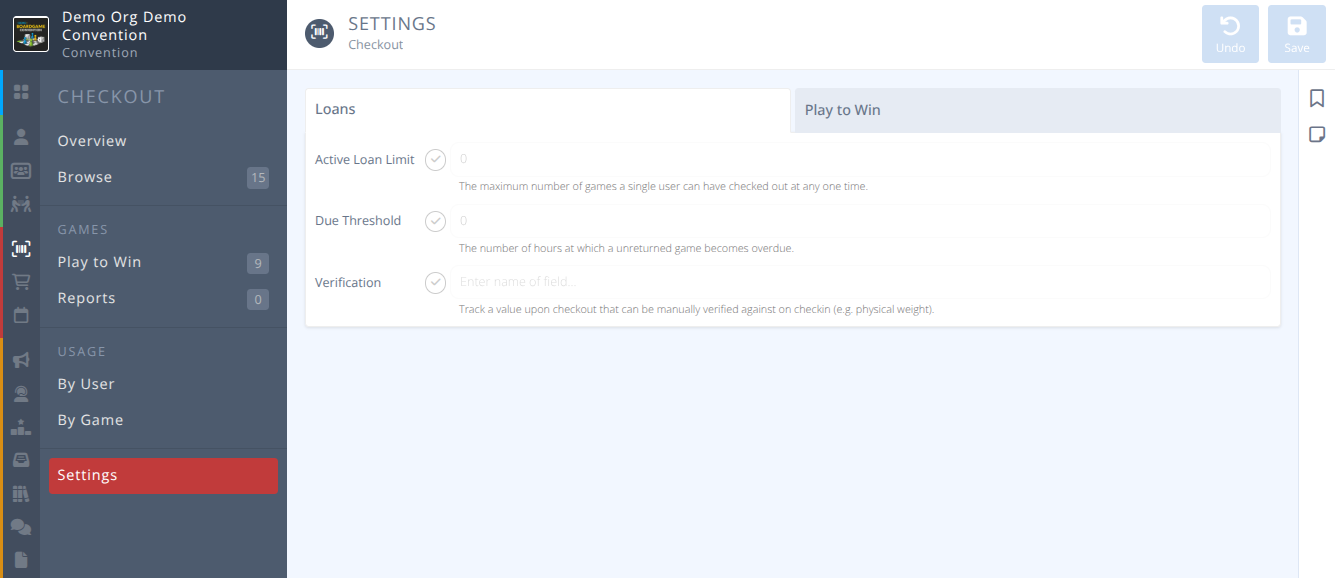
Checkout Settings allow for setting up the conditions of your loans and play to win interface.
You can specify the active loan limit, how many hours a game can be checked out before it is considered overdue, and if there is a verification field (e.g. physical weight of game).
¶ Fields
Select the tab below that corresponds with the tab in the manage interface:
-
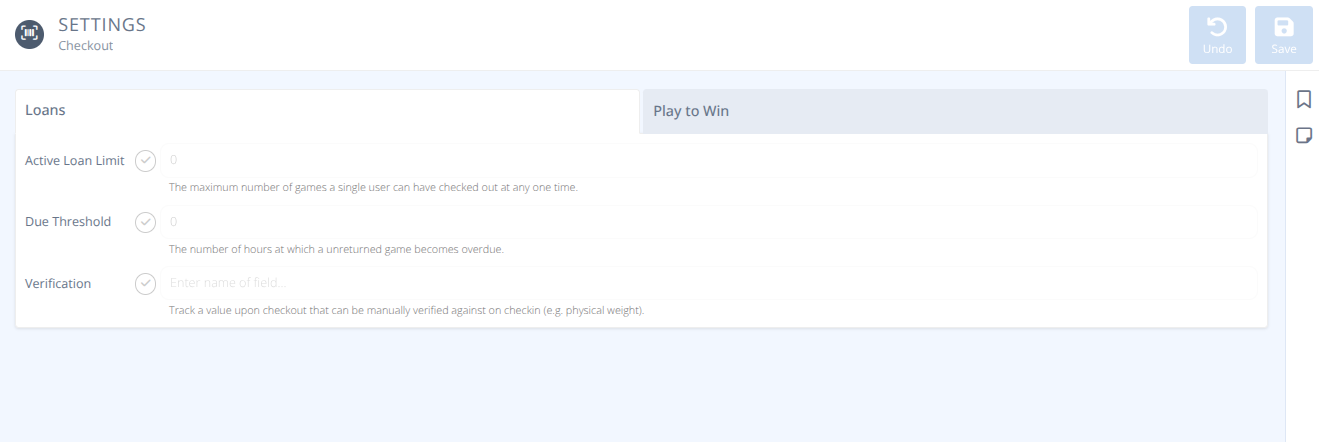
Active Loan Limit- If selected, the specified number is the limit of the number of games an attendee can check out at one time. Note: This limit can be overridden when checking a game out via the assistant
 -
Due Threshold- If selected, the number specified indicates the number of hours a game is checked out before it is flagged as overdue. Overdue games are highlighted in red when viewing in the menu and are easily identified in the screen and in the library assistant. Note: Currently the system does not notify the attendee of any overdue loans. -
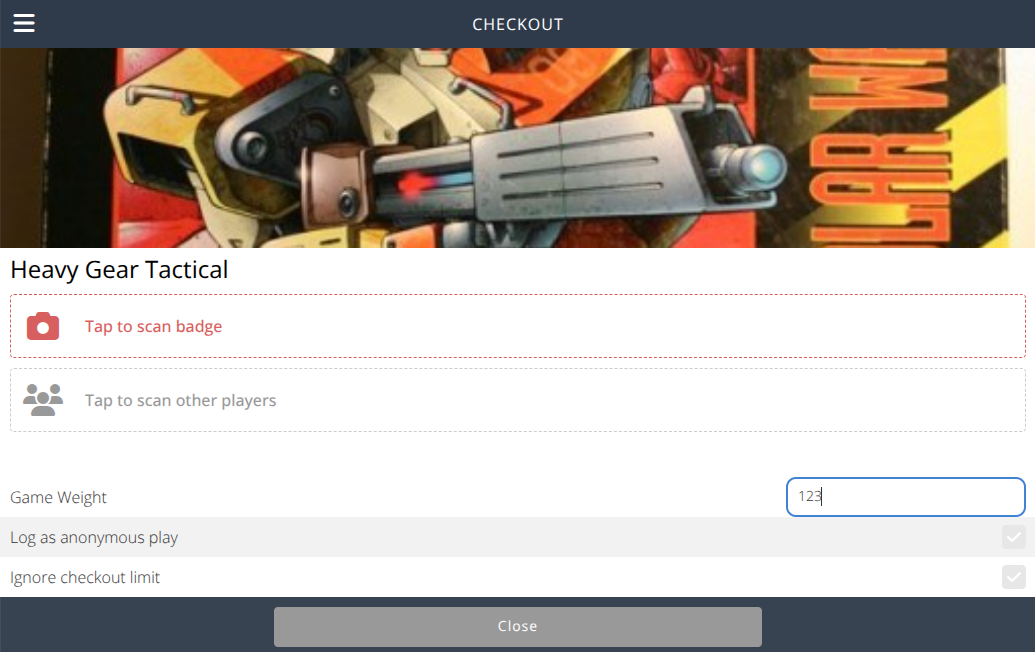
Verification- If selected, the specified text is the label shown during the checkin and checkout process that allows the librarian to enter a value that will help confirm that the game is complete on checkin (e.g. physical weight of the game). Note: The value entered is only available during check-in and check-out.
- It is a temporary value that is tied to the specific checkout and not kept after check-in.
- There is currently no automated validation to confirm that the value on check-in is the same as the value on check-out.
Sample Checkout:
-
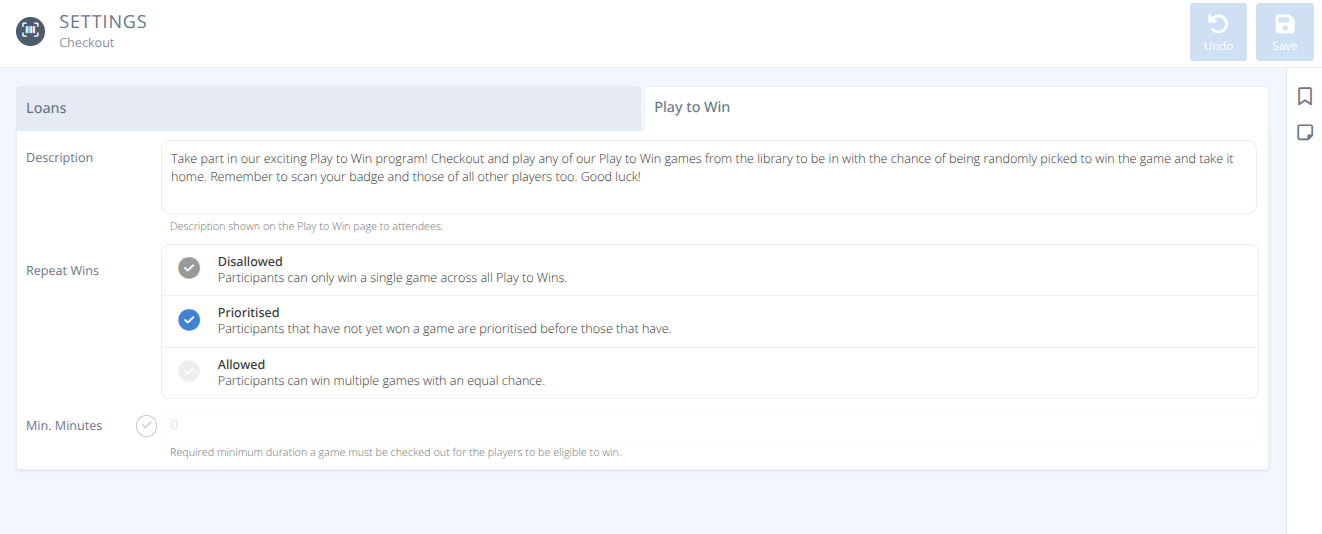
Description- This description is shown to attendees when they click the Play to Win menu on the attendee side of the software (my.cardboardevents.com -
Repeat Wins- How the system handles attendees that have already won a play to win game, either:- Disallowed - Participants can only win a single game across all Play to Win games.
- Prioritised Default - Participants that have not yet won a game are prioritsed before those that have, but multiple wins are possible.
- Allowed - Participants can win multiple games with no change to probability.
Note: The probability of winning a contest and winning a Play to Win game are not affected by each other. -
Min. Minutes- If selected, the number specified is the minimum number of minutes a game must be checked out for a player to be added to the participants list of a play to win game. Note: Participants manually added by an admin are not affected by this setting. Warning: Modifying this value after participants have been added will re-evaluate all loans of the game.
If the value is removed or reduced, additional participants may be added that meet the new criteria.
If the value is increased, some participants may be removed that no longer meet the new criteria.