¶ Settings
¶ Overview
The Groups settings allow you to adjust settings that apply to all groups that are a part of your convention
Here you can decide if you want groups to submit events for approval anytime or in batches, if rooms are required, weighted hours are in use, and if a visual timeline is presented to groups.
¶ Fields
Select the tab below that corresponds with the tab in the manage interface:

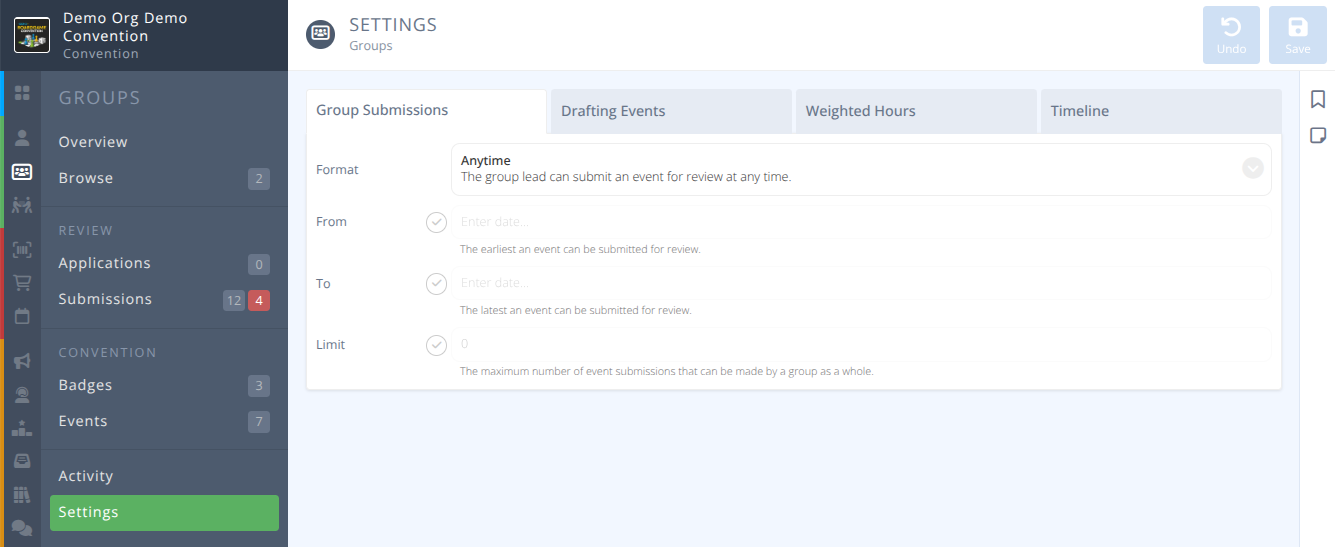
Format- Events may be submitted either Anytime or in a BatchAdditional- When Batch format is set this indicates if additional batch submissions are Allowed or Not-Allowed
From- The earliest date group lead users can submit events for reviewTo- The latest date group lead users can submit events for reviewLimit- The maximum number of events permitted by a group
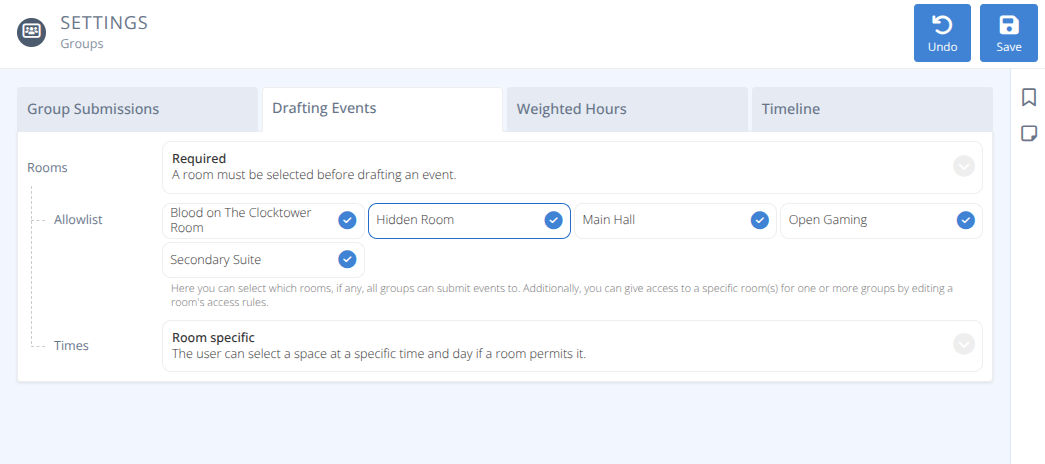
Rooms- Policy for if a room is required for draft events or notAllowlist- The selected rooms that all groups can submit events to. Additional permissions can be given in the Room's Access tab.Times- When drafting events how are times handled, either:- Room specific - The user can select a specific time and day, if a room permits it.
- Only preferred - The user selects their preferred times and days even if a room has defined spaces.
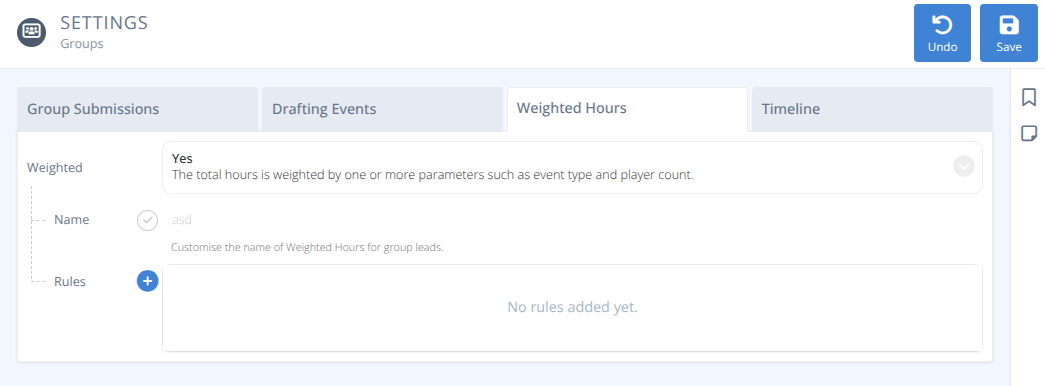
Weighted- Are the total hours of the event weighted to account for certain situations, either:- No - The total hours scheduled is calculated as-is
- Yes - The total hours are modified by one or more parameters such as event type or player count.
-Name- The name of the rule for weighting hours
-Rules- A list of rules that will modify the number of hours scheduled.
¶ Create Rule
Creating a rule will establish the parameters for when and how much the number of hours scheduled will be modified by.
Type- The rule will apply if the event matches the selected type.Min. Players- The rule will apply if the event has at least this many players.Max. Players- The rule will apply if the event has at most this many players.Multiplier- The multiplier applied to the hours of an event that matches the specified rules.
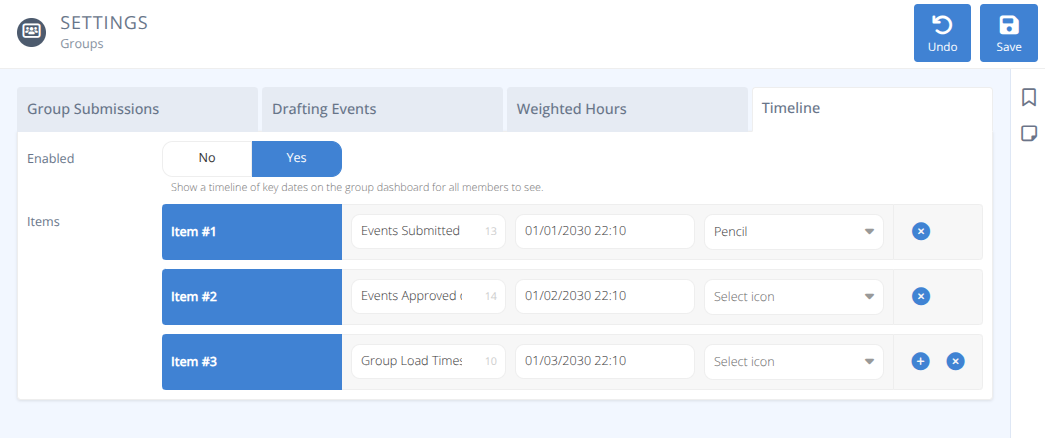
Enabled- Determines if a timeline is shown to groups and group members, either:
No - No timeline is shown
Yes - A timeline of specified key dates are shown on the group dashboard for all members to see.Items- A list of significant dates for group members to know
e.g.) 01/01/2030 22:10 - Events must be submitted for review
01/02/2030 22:10 - Events Approved on this date
01/03/2030 22:10 - Groups Load Time Start