¶ Categories
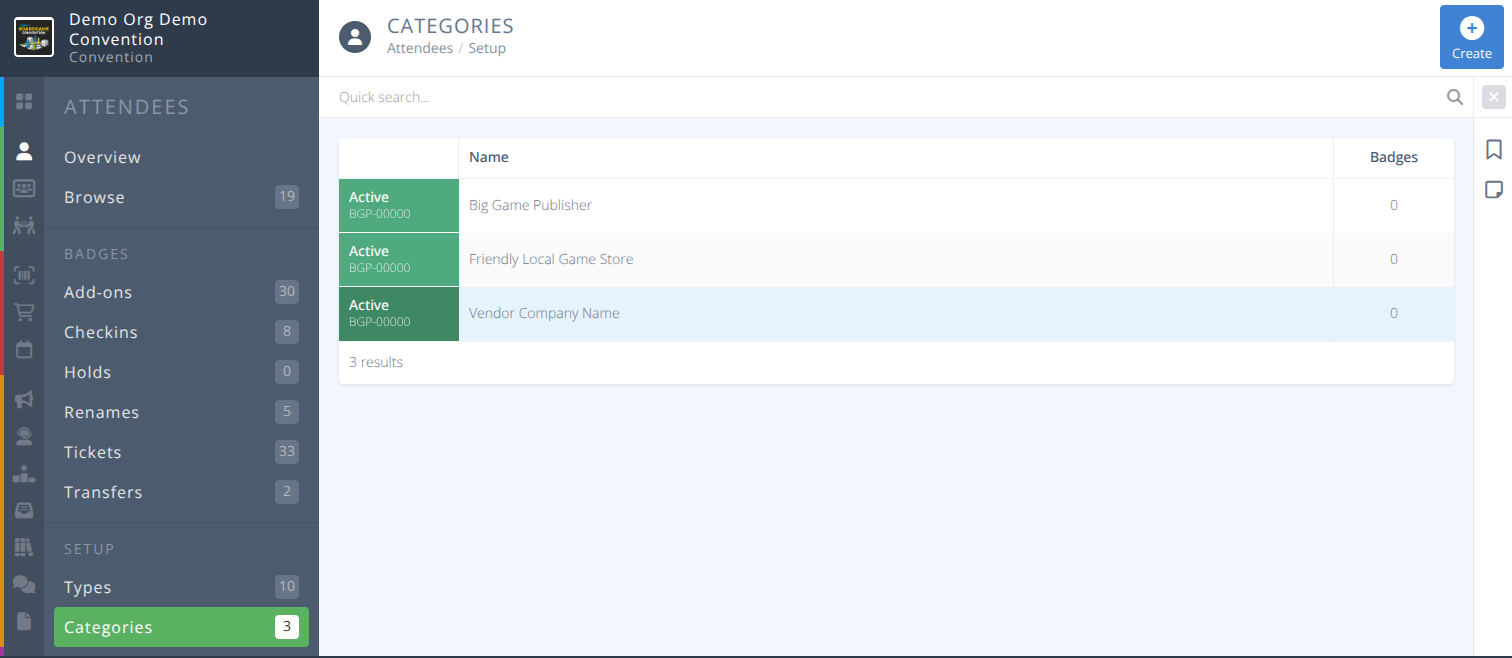
Badge categories allow you to place an additional line of text on the badges assigned to that category.
This section is most useful for putting vendor names, publisher names, and company names on badges, but it can also be used to identify certain people as belonging to a group. e.g.) Director, Board member, Convention Founder, etc.
¶ Overview
¶ Common Procedures
Create a Badge Category (for a Vendor or Exhibitor)
Assign a Catgory to a Badge
Quickly View Badge Holders Assigned to a Category
¶ Fields
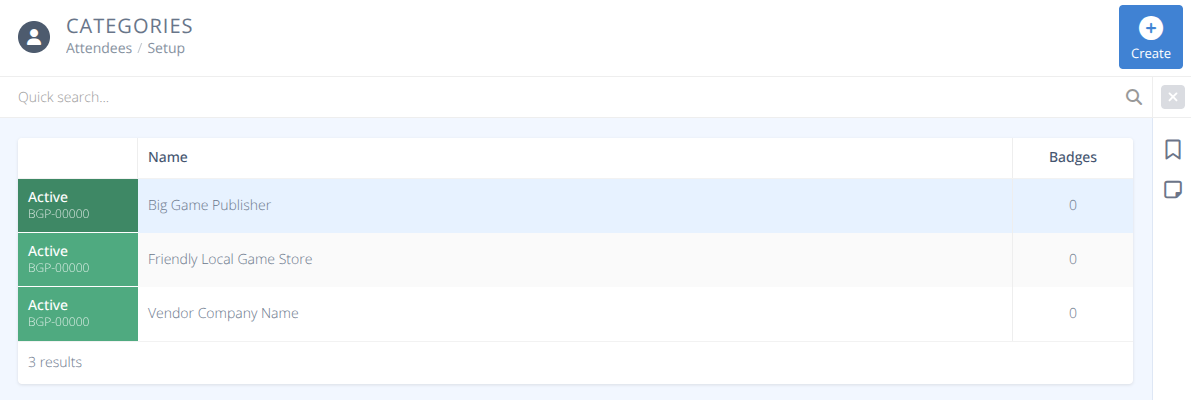
Status- The status of the category. This field is for future development.Ref.- The intenral reference number for the category. This field is for future development.Name- The name that will be displayed on all badges assigned this category.Badges- The number of badges assigned this category.
¶ Procedures
¶ Create a Badge Category
- From the sub-menu of click in the actions portion of the page.
- Enter the
Nameof the category that will be displayed on badges and click in the actions portion of the page.
Note: The category must be manually assigned to the badges of everyone in the category either during badge creation or by editing the badge from the sub-menu.
Caution: All additional badges purchased by a badge holder with an assigned category will automatically be assigned the same category.
¶ Assign a Category to a Badge
- From the sub-menu of Attendees locate the badge you wish to assign a category to.
- Click on the row of the badge.
- Select the desired
Categoryin the Setup tab of the badge. - Click in the actions area of the screen.
¶ Quickly View Badge Holders Assigned to a Category
- From the sub-menu of locate the category you wish to view badges for.
- Click on the row of the category to be shown the detailed view.
- In the summary line locate the number of badges with the external link indicator and click on it.

- You will be redirected to the grid with a filter set to only display the chosen category of badges.